

The essentials.
Vocals and instrumental. Focus on the voice, or listen to the backing track.
Separate a recording. Explore the instruments. Shape what you hear, one stem at a time.
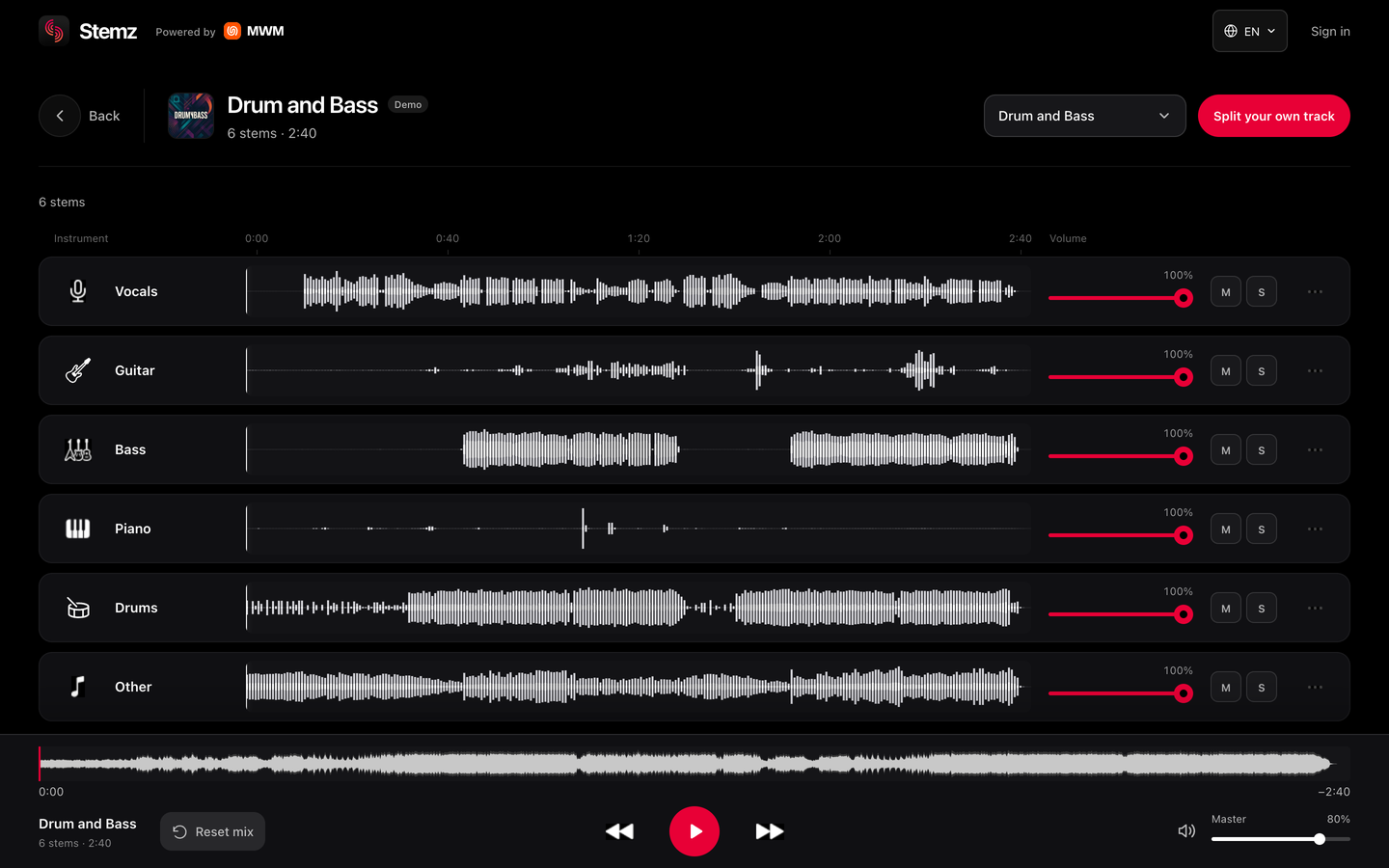
Start with vocals and instrumental, or go deeper into the arrangement.
Vocals and instrumental. Focus on the voice, or listen to the backing track.
Vocals, drums, bass and other instruments. Get closer to the core of the song.
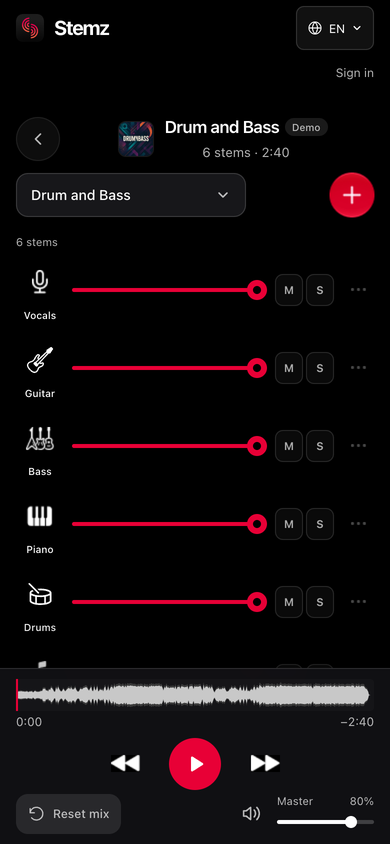
Vocals, drums, bass, guitar, piano and other instruments, each with its own controls.
See each instrument's waveform, move to any moment in the song and change the balance while you listen.
When export is available for your track, choose your files and keep working in your own audio tools.
Download an individual instrument, or export all available stems together.
Choose M4A, WAV or FLAC from the formats available for your track.
Keep your uploaded songs in your library, ready to open in the player.
Explore 11 demos, or bring your own audio.